

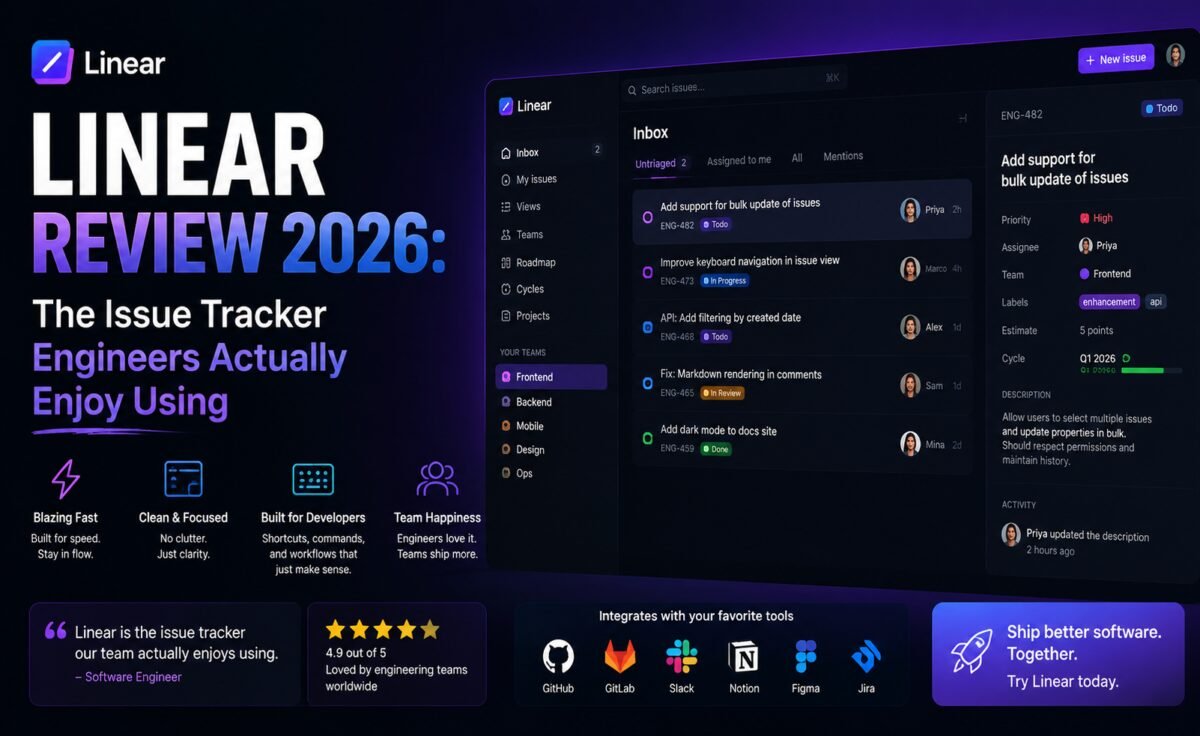
TL;DR: Linear set out to fix the universal complaint that project management software is slow, cluttered, and actively unpleasant to use — and in 2026 it’s largely succeeded, becoming the default issue tracker for a huge share of fast-moving product and engineering teams. Its speed is almost aggressive by design (nearly every action has a keyboard shortcut and near-zero latency), its cycle and roadmap features encode opinionated best practices rather than leaving teams to reinvent process from scratch, and its newer AI features handle the tedious parts of triage — writing summaries, suggesting duplicate issues, and drafting first-pass responses — without getting in the way of a workflow that was already excellent before AI arrived.
⚡ Quick Verdict: 4.8 / 5 — The best-designed issue tracker on the market, full stop, with AI features that quietly remove friction instead of demanding attention.
What Is Linear?
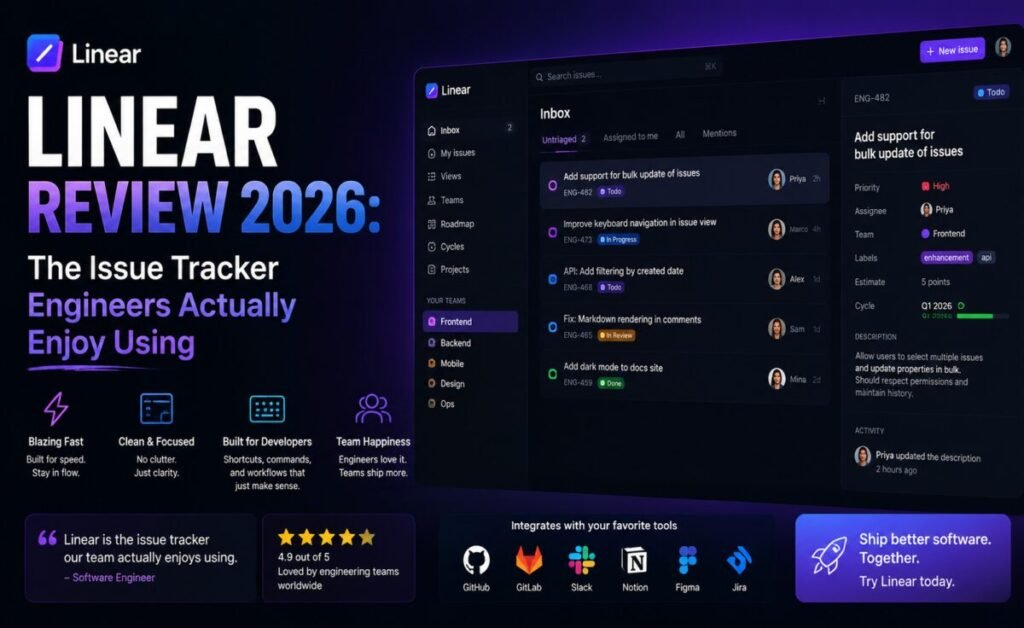
Linear is a project and issue tracking tool built specifically for software teams, positioned as a faster, more opinionated alternative to sprawling tools like Jira. From day one, the product philosophy has centered on speed and keyboard-first interaction — nearly everything, from creating an issue to moving it between states to assigning it to a teammate, can be done without touching the mouse. That obsession with speed, combined with an unusually restrained, well-considered feature set, is why Linear has developed something close to a cult following among engineering teams who’ve spent years frustrated with heavier alternatives.
Key Features
1. Issues and Keyboard-First Workflow
Creating, triaging, and updating issues in Linear happens almost entirely through keyboard commands — a quick-create shortcut, single-letter hotkeys for status changes, and fuzzy search for assigning teammates or linking related issues. The result is a tool that feels closer to a code editor than traditional project management software, which is precisely the audience it’s designed for.
2. Cycles
Linear’s take on sprints, called Cycles, automatically rolls incomplete work into the next cycle and surfaces velocity trends without requiring teams to manually configure burndown charts or sprint ceremonies. It’s opinionated in a way that removes a lot of the process overhead teams typically build themselves in more generic tools.
3. Roadmaps and Projects
Larger initiatives live as Projects with their own timelines, milestones, and update logs, rolling up into a company-wide Roadmap view that gives leadership visibility without engineers needing to maintain a separate status document. Project updates support a lightweight structured format that makes weekly status reporting nearly automatic.
4. Linear AI
Linear’s AI features are deliberately narrow and well-integrated rather than a bolted-on chat panel. It can auto-generate a summary of a long issue thread, suggest likely duplicate issues when you create a new one, draft a first response to a bug report based on similar historical issues, and help write clearer issue titles and descriptions from a rough draft. None of it requires leaving the issue view or switching context.
5. Integrations
Linear connects tightly with GitHub and GitLab (automatically linking commits and pull requests to issues and updating issue status on merge), Slack (for notifications and quick issue creation from a message), and Figma (for linking design files directly to issues), covering the core toolchain most software teams already use daily.
Pricing Breakdown
| Plan | Price | Best for |
|---|---|---|
| Free | $0/month | Small teams up to a limited seat count, core features included |
| Basic | $8/user/month | Growing teams needing unlimited issues and more integrations |
| Business | $14/user/month | Teams wanting Roadmaps, advanced workflows, and AI features at scale |
| Enterprise | Custom pricing | Large orgs needing SAML SSO, advanced security, and dedicated support |
Pros and Cons
What We Liked
- Genuinely one of the fastest, most responsive web applications in the productivity software category
- Keyboard-first design dramatically reduces the time spent on issue admin overhead
- Cycles and Roadmaps encode sensible defaults instead of requiring teams to design process from scratch
- AI features solve real tedium (summarization, duplicate detection) without adding a distracting new interface
- Tight, well-built GitHub integration keeps issue status and code changes in sync automatically
What Could Be Better
- Opinionated workflow can feel restrictive for teams wanting heavy customization of statuses and fields
- Less suited to non-engineering departments compared to more general-purpose tools like Jira or Asana
- Free tier’s seat limits mean most growing teams move to paid fairly quickly
- Reporting and analytics, while improving, still trail dedicated business-intelligence-style project tools
Linear vs. Jira
The comparison is almost unavoidable, since Linear was built explicitly as a reaction to Jira’s complexity. Jira remains more configurable — if you need deeply customized workflows, dozens of issue types, and enterprise-grade permission schemes, it can technically do more. But that flexibility comes at a real cost in speed and day-to-day usability that most engineering teams feel constantly. Linear deliberately trades some of that configurability for speed and a workflow that engineers actually enjoy using, and for the vast majority of software teams — especially startups and mid-size product orgs — that trade is worth making.
Who Should Use Linear
Linear is built squarely for software engineering and product teams, and it shows — non-technical departments looking for a general project management tool will likely find better fits elsewhere. Startups and scale-ups that want a tracker their engineers won’t fight against, and that scales cleanly from a five-person team to a few hundred engineers, are exactly the audience Linear was designed for. Teams migrating from Jira specifically because of complaints about speed and clutter tend to report the highest satisfaction after switching.
Real-World Workflow Example
An engineer gets pinged in Slack about a bug, creates a Linear issue directly from the Slack message in two clicks, and Linear AI immediately flags two similar historical issues, one of which turns out to be the actual root cause already fixed in an unreleased branch. The engineer links the issues, closes the new one as a duplicate, and replies to the original Slack thread with a link — the entire triage taking under a minute, with no context-switching between four separate tools.
Migrating from Jira: What to Expect
Teams moving off Jira tend to worry most about losing historical data and about how much custom process they’ll have to rebuild from scratch, so it’s worth addressing both directly. Linear provides a dedicated Jira importer that carries over issues, comments, attachments, and status history in a single pass, mapping Jira’s statuses to Linear’s workflow states automatically, with the option to adjust the mapping before the import runs. In our testing, importing a mid-sized backlog of several thousand issues completed in well under an hour, with historical activity preserved and searchable immediately afterward.
The bigger adjustment tends to be cultural rather than technical. Teams coming from Jira often arrive with years of accumulated custom fields, elaborate workflow states, and automation rules built to compensate for friction that Linear simply doesn’t have in the first place. The most successful migrations we’ve seen involve deliberately resisting the urge to recreate that same complexity on day one — starting with Linear’s default workflow and only adding custom states, labels, or automation once a specific, demonstrated need appears, rather than front-loading configuration based on old habits. Teams that do this consistently report reaching a leaner, faster process within a month or two, rather than just replicating their old Jira setup with a faster search bar.
It’s also worth preparing engineers for the initial adjustment to Linear’s more opinionated cycle and triage structure, particularly teams that weren’t running formal sprints before. The good news, based on feedback from teams we spoke with, is that this adjustment period is usually short — typically a cycle or two — before the keyboard-first workflow and reduced administrative overhead start to outweigh the temporary discomfort of a new process. Most teams we spoke with said the real turning point wasn’t a specific feature at all, but the simple fact that fewer people complained about updating tickets — a small cultural shift that tends to compound into noticeably better data hygiene across the whole backlog within a quarter.
Final Verdict
Linear has earned its reputation as the issue tracker engineers actually want to use, and its AI features follow the same philosophy as the rest of the product: solve a specific, tedious problem well, and stay out of the way otherwise. For software teams tired of fighting their project management tool, it’s close to as good as this category currently gets.
Rating: 4.8 / 5 — The gold standard for engineering-focused issue tracking in 2026.
Frequently Asked Questions
Can non-engineering teams use Linear effectively?
Some design and product teams adopt Linear successfully, but its workflow and terminology are optimized for software development, so purely non-technical departments often find more general tools a better fit.
Does Linear support Gantt-chart style planning?
Linear’s Roadmap and Project timeline views cover most planning needs at a high level, though it’s intentionally lighter-weight than dedicated Gantt-chart tools.
How good is Linear’s GitHub integration in practice?
It’s one of the tightest integrations available in this category — branch names, commits, and pull requests can automatically update issue status, and PR descriptions can link back to the originating issue with no manual syncing required.
Is there a free trial for paid Business features?
Linear offers trial access to Business-tier features for new workspaces, letting teams evaluate Roadmaps and advanced AI features before committing to a paid plan.





Leave a Reply