

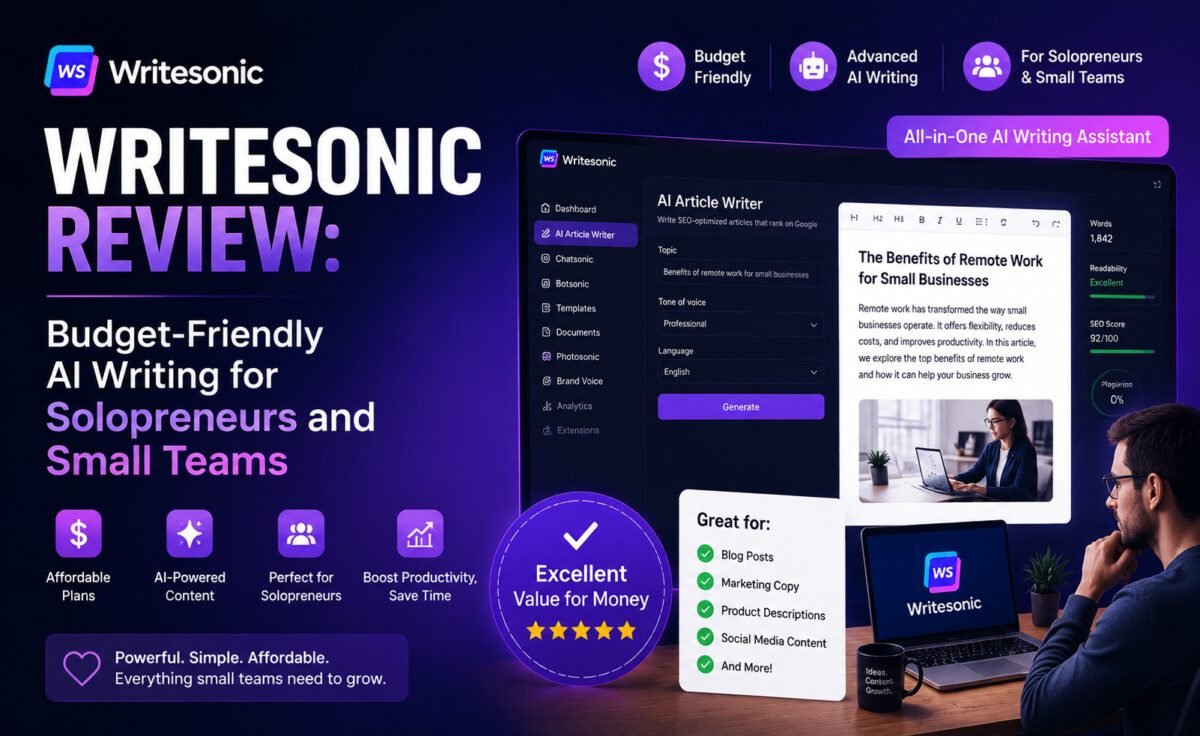
Quick take: Writesonic packs an AI chatbot, an SEO-focused article writer, and a suite of marketing templates into one of the more affordable subscriptions in the AI writing space. It won’t outclass Claude or ChatGPT on raw writing quality, but for solopreneurs and small teams watching their budget, it punches above its price.
What Is Writesonic?
Writesonic is an AI writing platform built around three main pillars: Chatsonic, its general-purpose chatbot; an SEO-focused long-form Article Writer; and a large library of short-form templates for ads, product descriptions, and social copy. It’s positioned as an all-in-one, budget-conscious alternative to paying separately for a chatbot subscription and a dedicated SEO content tool.
Writesonic has leaned heavily into the SEO content space specifically, building features aimed at ranking-focused bloggers and agencies who need to produce optimized articles at volume without hiring a large writing team.
Key Features
1. Chatsonic
Writesonic’s chatbot component handles general conversation, brainstorming, and quick writing tasks, with the ability to pull in current web information for more up-to-date responses — useful for time-sensitive content like news roundups or trend pieces.
2. SEO Article Writer
This is Writesonic’s flagship feature: input a target keyword, and it generates a structured, SEO-optimized article complete with headings, meta description suggestions, and competitor content analysis pulled from top-ranking pages. For bloggers and agencies producing a high volume of SEO content, this shortcuts a lot of the manual research and outlining work.
3. Bulk Content Generation
You can generate multiple articles or copy variations at once by uploading a list of keywords or product names — a genuine time-saver for e-commerce sites or content mills producing dozens of similar pages.
4. AI Image and Photo Tools
Writesonic bundles basic AI image generation and photo editing, useful for quickly producing featured images without a separate subscription.
5. Brand Voice and Templates
Similar to competitors, Writesonic offers brand voice training and a large template library covering common marketing copy formats, though the customization depth is generally less sophisticated than Jasper’s equivalent feature.
Pricing
Writesonic’s pricing is one of its biggest selling points — plans are generally cheaper than Jasper and often competitive with or below standalone chatbot subscriptions, especially at lower usage tiers. There’s a limited free trial rather than an ongoing free plan, but the entry-level paid tiers remain accessible for solopreneurs and small businesses on a tight budget.
Writing Quality
Writesonic’s output is serviceable rather than exceptional. SEO articles come out well-structured and appropriately keyword-aware, which is exactly what its target audience needs, but the prose itself is noticeably more generic than what you’d get from Claude, and sometimes requires more editing to remove repetitive phrasing or shallow sections, particularly on longer articles generated in bulk.
Short-form copy — ad variations, product blurbs, social captions — fares better, since the format naturally limits how much room there is for the writing to feel thin. For teams prioritizing speed and SEO structure over polished prose, this trade-off is usually a reasonable one; for anyone who cares primarily about writing quality, it’s a real limitation.
Best Use Cases
- SEO-focused bloggers producing keyword-targeted articles at volume
- Small agencies needing an affordable all-in-one content tool
- E-commerce sites generating bulk product copy
- Budget-conscious solopreneurs who want chat, SEO content, and images in one subscription
Pros and Cons
| Pros | Cons |
|---|---|
| Genuinely affordable relative to competitors | Prose quality trails Claude and ChatGPT |
| SEO Article Writer shortcuts research and outlining | Bulk-generated content often needs heavier editing |
| Bulk generation saves time for high-volume content needs | Brand voice customization is less refined than Jasper’s |
| All-in-one bundle (chat, SEO writer, images) | No permanent free tier, only a limited trial |
| Good fit for tight budgets and small teams | Interface can feel cluttered with so many tools in one place |
How It Compares
Against Jasper, Writesonic is the clear budget alternative — fewer refinements in brand voice and team collaboration, but a meaningfully lower price and a sharper built-in SEO focus. Against ChatGPT and Claude, Writesonic trades general writing quality and flexibility for SEO-specific structure and a lower cost of entry, making it a reasonable fit for content teams whose main goal is ranking-focused volume rather than literary polish.
A Week With Writesonic: Real-World Notes
We used Writesonic to produce a small batch of SEO content: five articles targeting different keywords in the same general topic area, plus a set of product descriptions generated in bulk from a spreadsheet of item names and specs.
The SEO Article Writer was the clear highlight. Entering a target keyword returned a structured outline referencing what top-ranking competitor pages were covering, along with a draft that hit the expected headings and a reasonable keyword density without feeling obviously stuffed. Across the five articles, the research-and-outline step alone probably saved thirty to forty minutes per piece compared to doing that research manually. The drafts themselves needed a real editing pass, though — a few sections leaned repetitive, particularly toward the back half of longer articles, and some claims were phrased vaguely enough that we had to tighten them with more specific detail before they were publish-ready.
The bulk product description run was more straightforward: uploading a spreadsheet of 30 items and generating short descriptions for all of them in one batch took only a few minutes, and the results were serviceable for a mid-sized e-commerce catalog where perfectly distinctive prose per item matters less than having every product page filled in consistently. Spot-checking a handful of descriptions found only minor repetition in sentence structure across similar products, which is a reasonable trade-off given the volume and speed involved.
Chatsonic performed adequately for quick questions and brainstorming, including reasonably current information when we asked about a recent industry topic, but it didn’t feel meaningfully different from using a general free chatbot for the same task — it’s a nice bundled convenience rather than a standout feature on its own.
Tips to Get Better Results
- Always plan to edit SEO drafts before publishing. Treat the Article Writer’s output as a strong first draft and outline, not a finished piece — a human pass for repetition and specificity noticeably improves the result.
- Use bulk generation for high-volume, lower-stakes copy. Product descriptions and catalog pages are a better fit for bulk mode than flagship content you want to stand out.
- Feed in your own keyword research when you have it. Starting from your own validated keyword rather than a broad guess improves how well the generated outline matches actual search intent.
- Combine it with a separate proofreading pass. Given the lighter prose quality relative to premium chatbots, budgeting time for a dedicated edit pays off, especially on cornerstone content.
Who Should Skip This Tool
If prose quality is your top priority — thought leadership pieces, brand storytelling, anything meant to showcase strong writing — Claude or ChatGPT will require less editing to reach a polished result. Writesonic makes the most sense specifically when SEO-driven volume, not literary polish, is the goal.
Our Rating
| Category | Score |
|---|---|
| Writing Quality | 3.6 / 5 |
| Features | 4.2 / 5 |
| Ease of Use | 3.9 / 5 |
| Value for Money | 4.5 / 5 |
| Overall | 4.0 / 5 |
Support and Onboarding
Writesonic’s interface bundles several distinct tools — chat, article writer, templates, image tools — into one dashboard, and while that’s convenient once you’re familiar with it, new users may need a short adjustment period to find the right feature for a given task. The help center covers the basics well, and support is available via chat, with response times generally reasonable for the price point.
Given the platform’s budget positioning, don’t expect the same depth of dedicated onboarding you’d get from a higher-priced tool like Jasper — but for straightforward SEO article generation and bulk copy tasks, most users find they can get productive within their first session without much hand-holding.
Frequently Asked Questions
Is Writesonic good for beginners?
Yes — the template-driven approach and guided SEO article workflow make it approachable for people without much prompting experience.
How does the SEO Article Writer compare to writing manually with a chatbot?
It saves significant time on keyword research and outlining by pulling competitor data automatically, though the resulting draft usually still benefits from a human editing pass before publishing.
Is it worth switching from ChatGPT to Writesonic?
Not as a replacement — the two serve different purposes. Writesonic makes more sense as an addition if SEO content volume is a priority, rather than a straight swap for a general chatbot. Many small teams end up running both side by side, using Writesonic for volume SEO content and a general chatbot for anything requiring more polish.
Final Verdict
Writesonic isn’t going to out-write Claude or out-feature ChatGPT, and it doesn’t try to. What it offers instead is a genuinely affordable, SEO-focused bundle that covers chat, long-form articles, and basic images in one subscription — a sensible choice for budget-conscious bloggers and small teams whose priority is consistent, optimized content output over top-tier prose. Go in expecting to budget time for editing, and it earns its place as one of the more practical low-cost options in this category.




Leave a Reply